The most expensive thirty minutes in manufacturing are the ones where the incoming shift pieces together what happened. Maecos structures the handover, so the next team starts informed, not guessing.
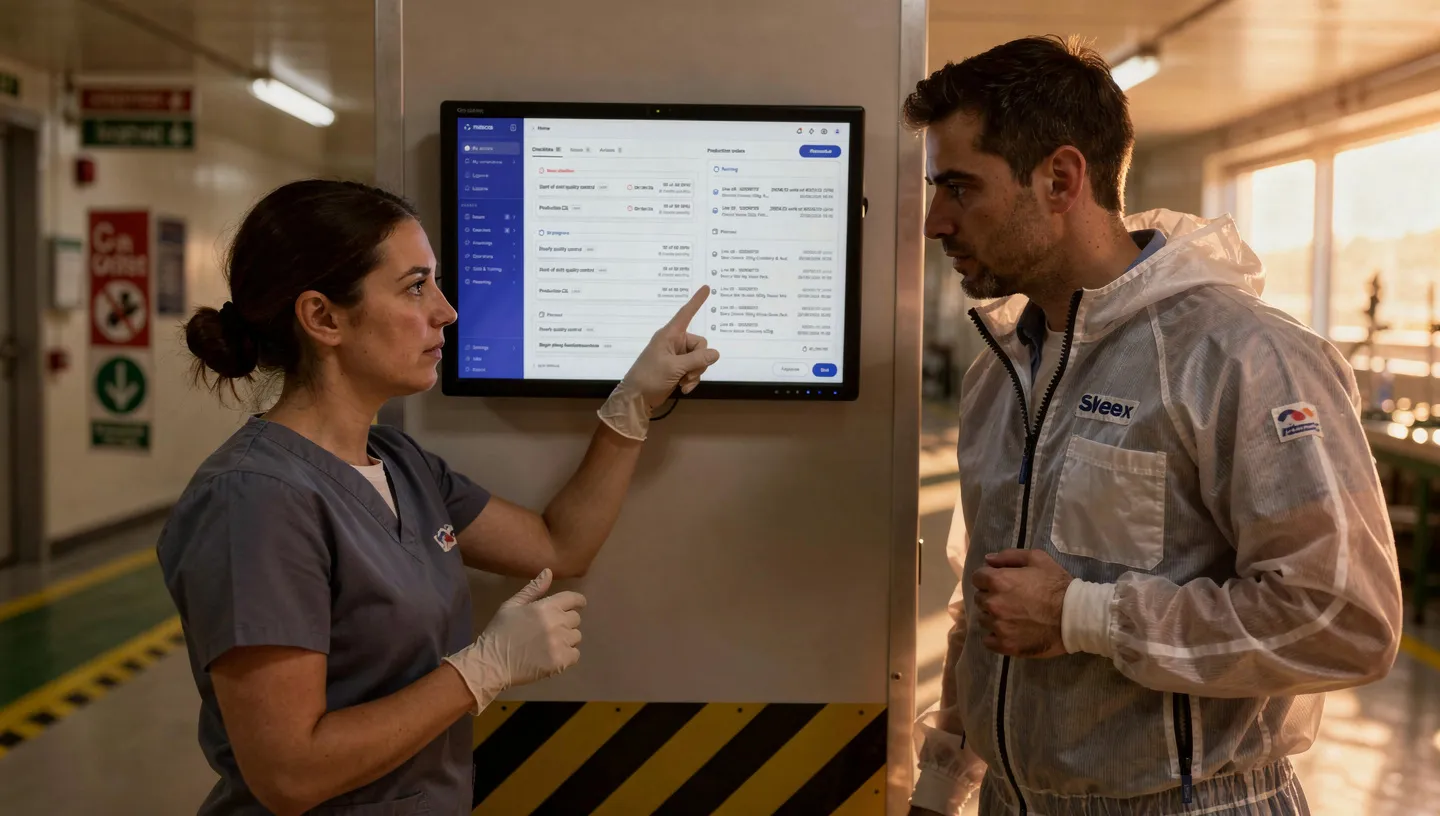
Issues logged during the shift, checklists completed, actions created, the handover pre-populates with what actually happened. The outgoing operator reviews, adds context, and confirms. The handover takes minutes instead of being reconstructed from memory. Nothing gets forgotten because it was never manual in the first place.
Handover content is structured per line, area, or role. Production status, open issues, pending actions, safety observations, equipment notes, each in its section. Every handover follows the same format, regardless of who writes it or which shift it covers. The incoming team knows exactly where to look.
Every shift produces a digital logbook. Entries are linked to events, issues, and actions. Searchable across shifts, lines, and time periods. No more paper logs that get lost or illegible notes from the night shift. When an auditor asks what happened on Line 3 last Tuesday night, the answer is two clicks away.
Incoming operators see the full history, not just the last handover, but patterns across shifts. Recurring issues. Pending actions. Training status changes. Equipment notes that span multiple shifts. Everything in context, so the incoming team doesn't just know what happened, they know what's been happening.
The afternoon shift ends. The operator opens the handover screen. Issues logged during the shift are already listed. Three checklists completed, one with a deviation noted. An action from this morning's meeting is still open. She adds a note about a temperature drift on Line 3 and confirms the handover.
The night shift arrives. Before touching a single machine, the incoming lead opens the handover. Production status. Two open issues. One pending action. The temperature note on Line 3, flagged for attention. He knows exactly where his shift starts.
No phone calls. No guessing. No “what happened last shift?”
The critical note that was written on a whiteboard and erased before the next shift read it. The issue that wasn’t mentioned because the outgoing operator forgot — not because it wasn’t important. The first hour of every shift spent catching up instead of producing.
Handovers fail when they depend on memory. They hold when they're built into the system.
“The incoming shift used to spend the first thirty minutes piecing together what happened. Now they open the screen and it’s all there, issues, actions, notes. They start producing, not investigating.”
— Operations Leader, Food & Beverage Manufacturing
Yes. Issues logged, checklists completed, actions created, and deviations flagged during the shift are automatically pulled into the handover. The outgoing operator reviews, adds manual notes, and confirms. The handover is built from what actually happened, not from memory.
Yes. Templates are configurable per line, area, or role. Each template defines which sections appear, what data is auto-populated, and what manual fields the operator completes. This ensures handovers are consistent regardless of who writes them.
Yes. Every logbook entry is linked to the shift, line, and relevant events (issues, actions, checklists). You can search across shifts, lines, and time periods. When an auditor or investigator needs to know what happened on a specific line on a specific date, the answer is accessible immediately.
Incoming operators see not just the last handover, but patterns across multiple shifts, recurring issues, long-running actions, equipment notes that span shifts. This gives the incoming team context beyond the immediate handover, helping them spot emerging problems before they escalate.
Auto-populated handovers, digital logbook, and cross-shift visibility, in one system.